Install vmware player in Debian 8
Download the installation files from vmware official site https://my.vmware.com/web/vmware/free#desktop_end_user_computing/vmware_workstation_player/ .
Now you should have a file like VMware-Player-12.0.0-2985596.x86_64.bundle.
open a terminal and execute it:
cd ~/Downloads/
chmod +x VMware-Player-12.0.0-2985596.x86_64.bundle
sudo ./VMware-Player-12.0.0-2985596.x86_64.bundle
This will bring up the installation dialog
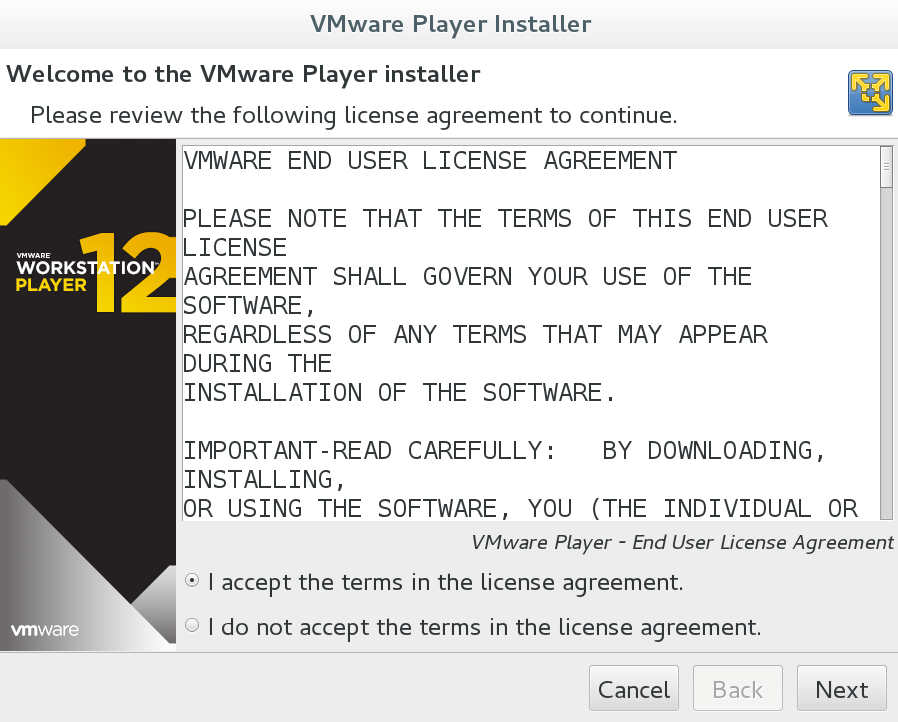
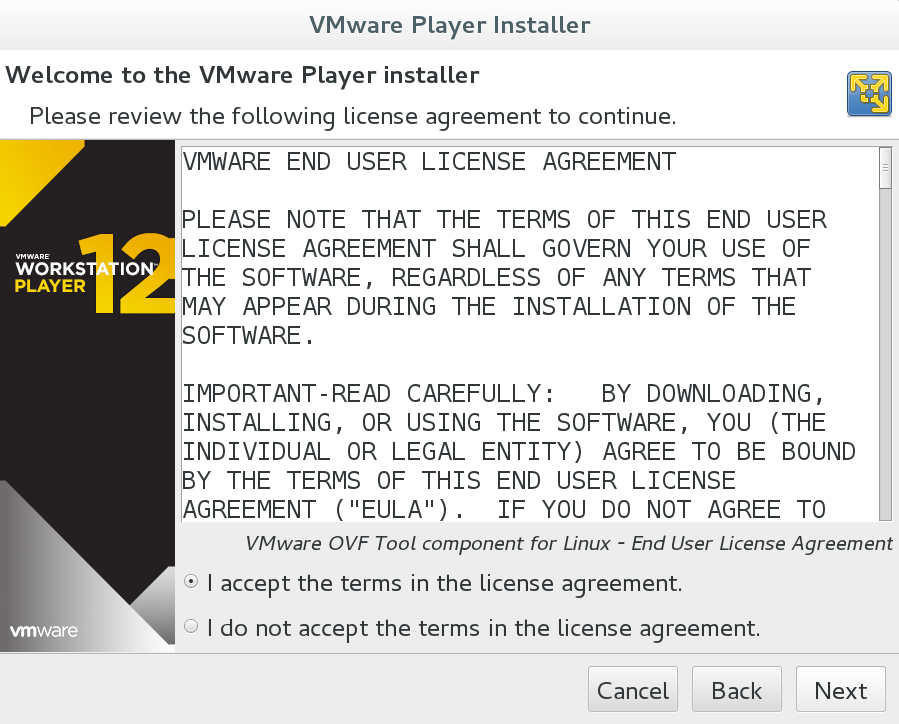
You need to accept the agreement in order to continue. Take a look before you accept it.

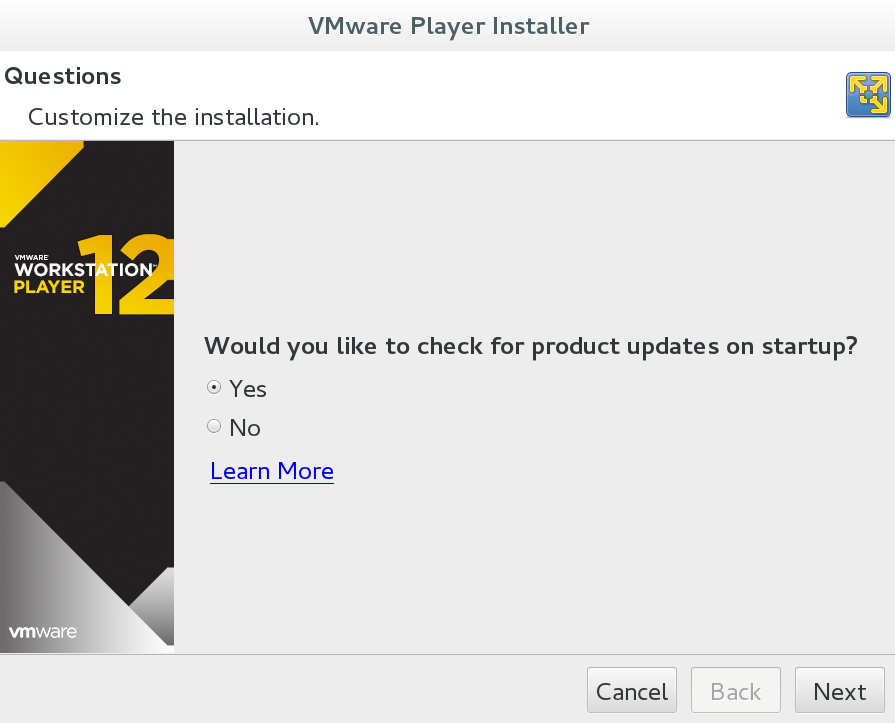
Next you choose if you want the vmware to check on start up if there is any newer version available.
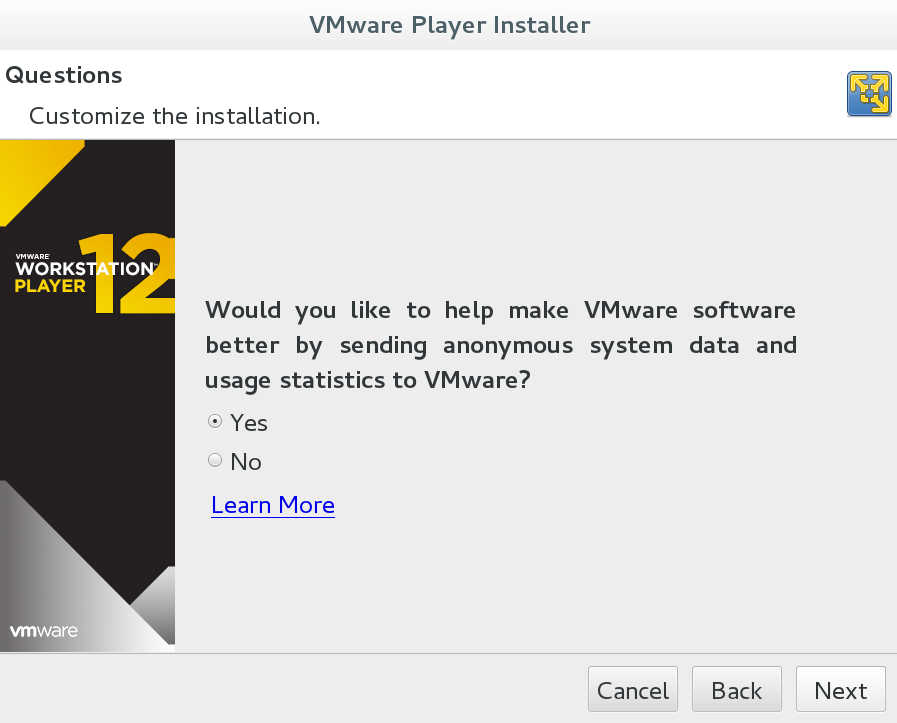
In the next step you can choose if you want to send some anonymous system information back to vmware.
This is not mandatory but it will help a lot vmware to gather some statistics.
Next you can add a licence key if you have one but this is not a must for home use. For home use the software is free.
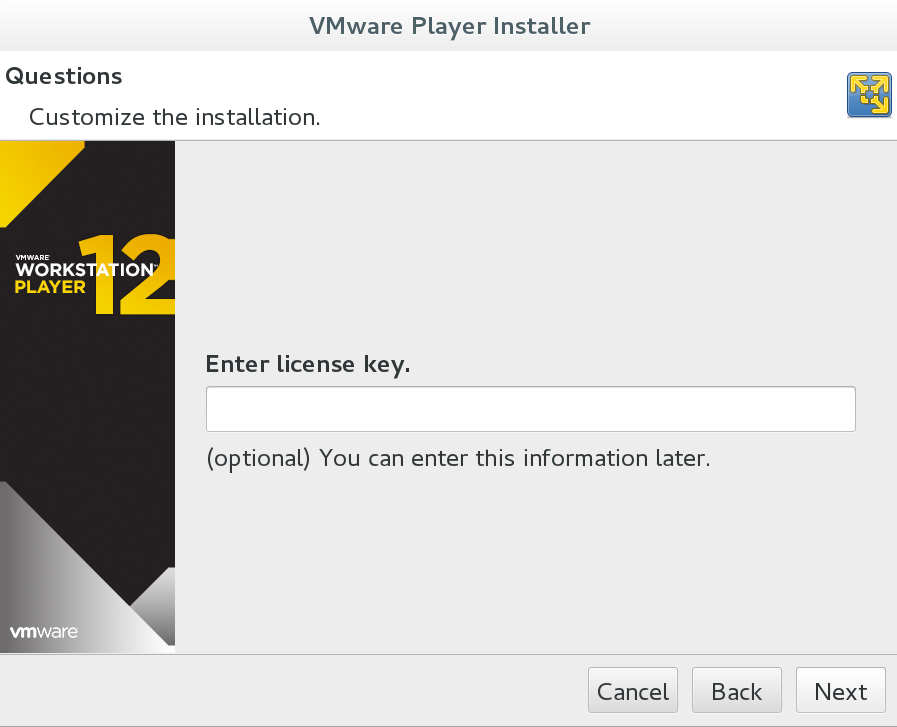
Now just click install.
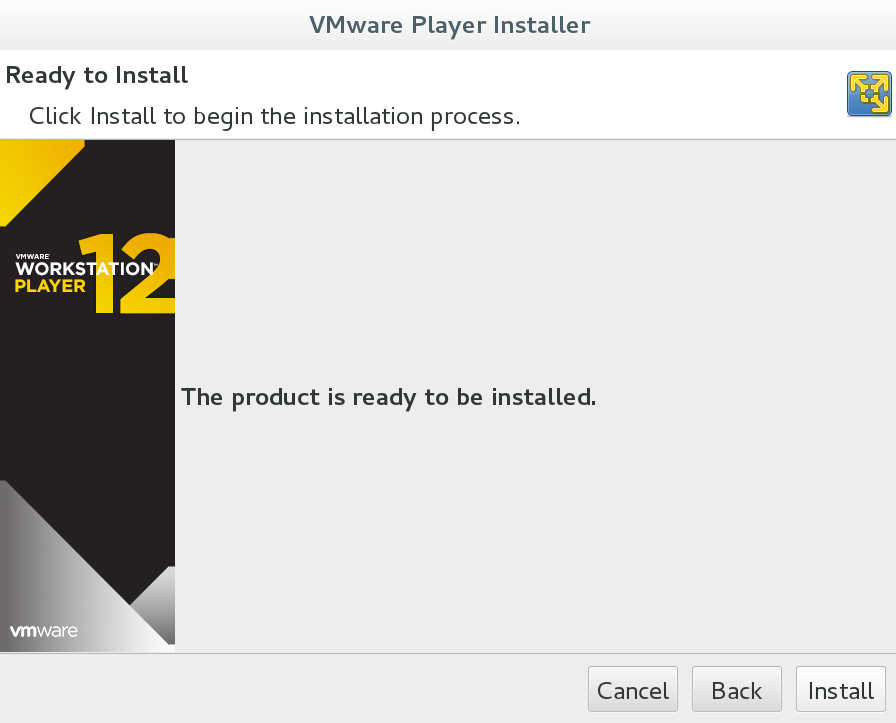
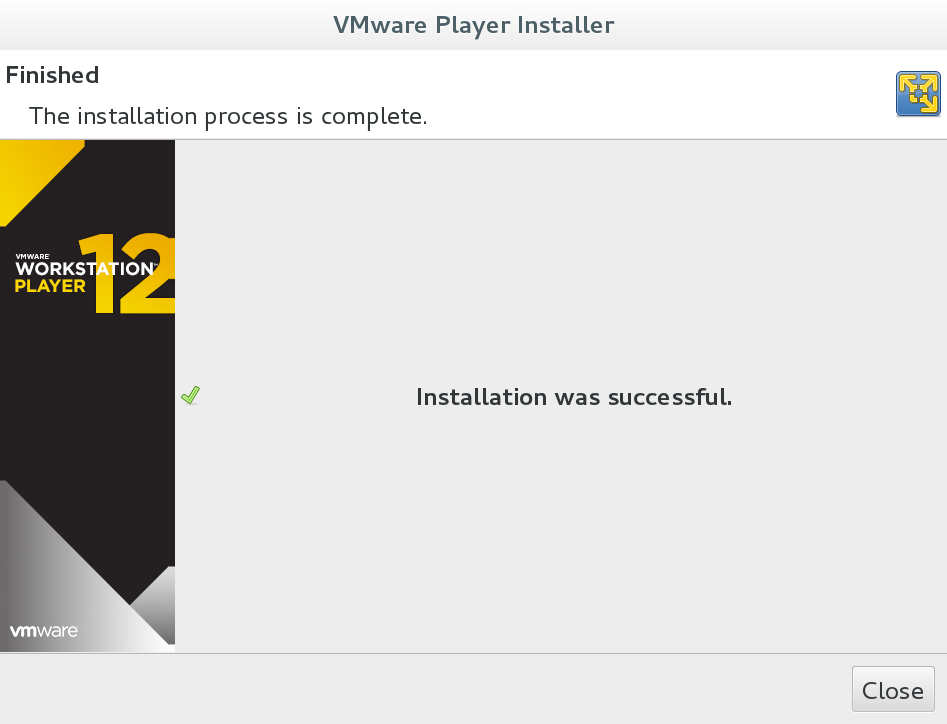
And wait until the installation is done.
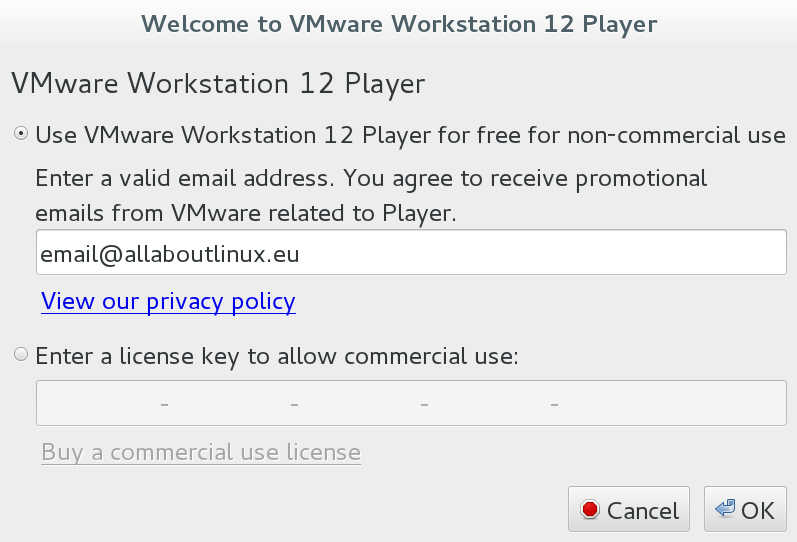
Now you can start the program from the main menu. As i mentioned before for home use you do not need a serial number but you need to provide your email address in order to continue.
Enjoy vmware player